A South African Identity Document (ID) is one of the most important legal documents every citizen must have. It is required for accessing essential services such as opening a bank account, applying for grants, registering for school or university, voting, getting a job, and accessing healthcare or government assistance. Without a valid ID, many basic rights and opportunities become difficult or impossible to access.
In recent years, the Department of Home Affairs (DHA) introduced an online system to make the ID application process more efficient, accessible, and less time-consuming. Instead of spending long hours in queues, eligible applicants can now start their ID application online from the comfort of their home. This digital process is especially helpful for first-time ID applicants, busy workers, students, and individuals who want to reduce unnecessary travel and waiting times.
Who Can Apply for an ID Online in South Africa
The online ID application system is available to specific categories of applicants. Understanding eligibility helps you avoid delays or unsuccessful submissions.
Generally, you can apply online if you are:
A South African citizen aged 15 or older applying for a first-time ID
Applying for a Smart ID Card
Replacing a lost, stolen, or damaged ID
Updating personal details such as surname (in certain cases)
Applicants under 15 years old or those without access to digital services may still need to apply in person at a Home Affairs office.
Documents and Information You Need Before Applying
Before starting your online application, it is important to gather all required documents and personal details. Being prepared helps ensure a smooth and successful submission.
You will typically need:
Your South African birth certificate (for first-time applicants)
Your ID number (for replacements or upgrades)
Parent or guardian details (for first-time applicants under 18)
A valid email address
An active cellphone number
Access to online banking (for payment and verification, where applicable)
Ensure that all details match Home Affairs records exactly to prevent application rejection or delays.
How to Apply for an ID Online Using eHomeAffairs
The Department of Home Affairs uses the eHomeAffairs system to manage online ID applications. Below is a clear step-by-step explanation of the process.
Step 1: Register on the eHomeAffairs Portal
Visit the official eHomeAffairs website and create an account using your personal details, email address, and cellphone number. Once registered, log in to your profile.
Step 2: Complete the Online ID Application Form
Select the option to apply for an ID or Smart ID Card. Carefully complete all required fields, including personal details, contact information, and supporting information. Accuracy is extremely important at this stage.
Step 3: Upload Supporting Information (If Required)
Some applications may require you to confirm or upload supporting information digitally. Follow the instructions provided on the portal.
Step 4: Make Payment Online
Pay the required application fee using the approved payment methods. Fees may vary depending on whether the application is for a first-time ID, replacement, or Smart ID upgrade.
Step 5: Book an Appointment at Home Affairs or Partner Bank
After payment, you will be prompted to book an appointment at a Home Affairs office or participating bank branch. This visit is required for biometric capture, including fingerprints, photos, and signature.
Step 6: Visit the Selected Office for Biometrics
Attend your appointment on the selected date and time. Bring any required original documents. The biometric process is usually quick and confirms your identity.
What Happens After You Apply
Once your biometric data has been captured, Home Affairs processes your application. Processing times can vary depending on demand, system load, and location.
You will receive SMS or email notifications when:
Your application is being processed
Your ID is ready for collection
When notified, you can collect your ID from the office or bank branch you selected during the application process.
Common Mistakes That Delay ID Applications
Many online ID applications are delayed due to avoidable errors. Common issues include:
Incorrect personal details that do not match Home Affairs records
Misspelled names or wrong ID numbers
Using an inactive email or phone number
Missing appointments for biometric capture
Incomplete online forms
Taking time to review your information before submission greatly reduces these risks.
Benefits of Applying for an ID Online
Applying for an ID online offers several advantages:
Reduced waiting time at Home Affairs offices
Ability to apply from anywhere with internet access
Faster appointment booking through partner banks
Improved tracking and updates via SMS or email
Less paperwork and fewer in-person visits
These benefits make the online application system a convenient and efficient option for eligible South Africans.
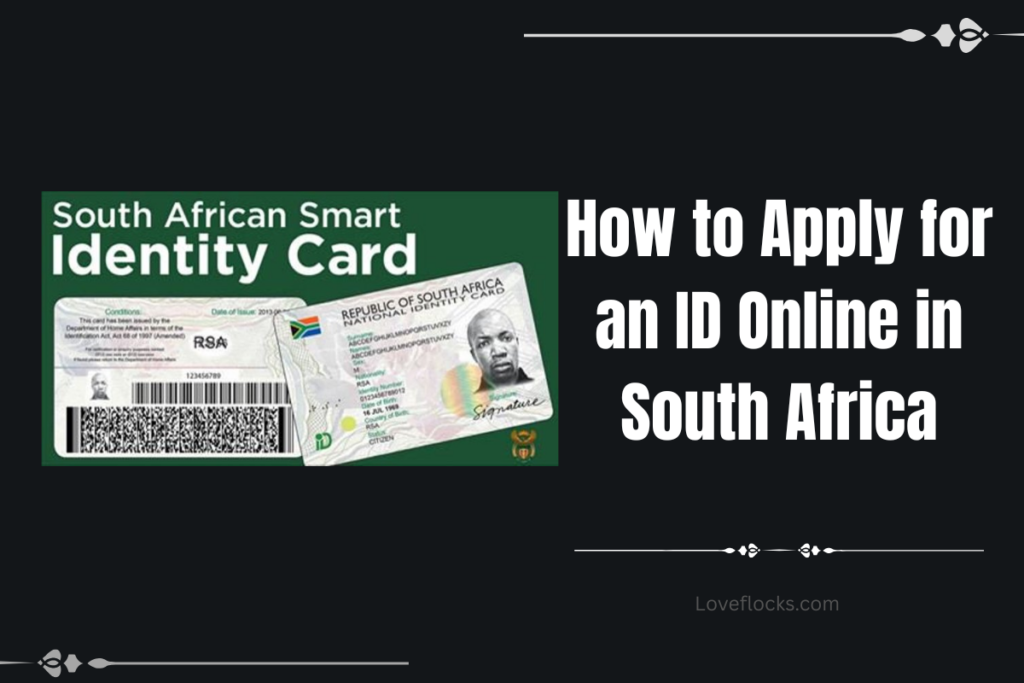
Tips for Applying for an ID Online, [current_date]
1. Confirm your eligibility before applying
Before starting your online ID application, ensure you meet the eligibility requirements set by Home Affairs.
Applying without confirming eligibility can lead to system rejection or stalled progress. Whether you are applying for a first-time Smart ID, a replacement, or an upgrade, eligibility determines which options appear on the portal and how smoothly your application moves forward.
2. Use the official eHomeAffairs platform only
Always apply through the official Department of Home Affairs eHomeAffairs website.
Using unofficial websites or third-party agents exposes you to fraud and incorrect submissions. The official platform ensures your personal data is secure and directly linked to the national population register.
3. Enter your personal details exactly as recorded
Your names, surname, and date of birth must match Home Affairs records exactly.
Even a minor spelling difference can cause verification failure. Always refer to your birth certificate or previous ID to ensure complete accuracy when filling in your details.
4. Prepare all required information in advance
Having all necessary information ready prevents rushed mistakes.
When you prepare beforehand, you reduce errors and avoid logging out midway. This makes the application process smoother and faster from start to submission.
5. Use a reliable email address
Your email is the main channel for official communication.
Appointment confirmations, payment notices, and collection updates are sent via email. An inactive or incorrect email can cause you to miss critical updates.
6. Provide an active mobile number
Home Affairs uses SMS notifications for verification and reminders.
An active number ensures you receive OTPs and status alerts. This helps you act quickly if additional steps are required.
7. Apply during off-peak hours
System traffic is lower early mornings or late evenings.
Applying during off-peak hours reduces timeouts, loading errors, and incomplete submissions caused by high traffic on the portal.
8. Review every section before submitting
A final review helps catch errors before they become delays.
Many applicants experience delays due to simple mistakes that could have been corrected with careful review before submission.
9. Use online banking linked to your identity
Payments work best when the bank account matches your personal details.
Using your own bank account helps speed up payment verification and prevents mismatched transaction issues.
10. Save proof of payment immediately
Payment confirmation is essential for tracking and support.
Always download or screenshot your proof of payment in case you need to resolve delays or system errors.
11. Choose a convenient biometric location
Select an office or bank branch you can easily access.
Missing your biometric appointment can delay your ID by weeks. Convenience increases the chance of attending on time.
12. Arrive early for your appointment
Early arrival reduces stress and queue-related delays.
Being early allows time for verification and helps you avoid being turned away due to system cut-offs.
13. Dress appropriately for your ID photo
Your ID photo must be clear, professional, and compliant.
Avoid hats, heavy makeup, or bright accessories. A proper photo reduces the risk of rejection or re-capture.
14. Follow biometric instructions carefully
Correct fingerprint and photo capture prevents repeat visits.
Cooperating fully ensures high-quality biometrics, which speeds up approval and ID production.
15. Track your application regularly
Monitoring your status keeps you informed and prepared.
Checking your account allows you to act quickly if Home Affairs requires further action from you.
16. Avoid submitting multiple applications
Duplicate applications can confuse the system.
Submitting more than one application for the same ID may cause processing delays or cancellations.
17. Be patient during processing stages
ID production involves multiple verification steps.
Delays do not always mean rejection. Patience is essential while background checks and printing are completed.
18. Respond quickly to Home Affairs requests
Prompt responses prevent your application from being paused.
Ignoring requests for clarification or correction can significantly delay processing.
19. Collect your ID as soon as notified
Timely collection prevents administrative complications.
IDs left uncollected for long periods may be returned to storage, causing unnecessary delays.
20. Keep your ID safe after collection
Your Smart ID is a critical document that must be protected.
Store it securely to avoid loss, replacement costs, and identity-related issues in the future.
Conclusion
Applying for an ID online in South Africa is a modern, efficient, and user-friendly process that saves time and reduces the stress traditionally associated with visiting Home Affairs offices. By using the eHomeAffairs system, eligible applicants can complete most of the process digitally, from application submission to appointment booking, while only visiting an office or bank branch for biometric verification.
Success depends largely on preparation and accuracy. Ensuring that your personal details match official records, submitting the correct information, and attending your biometric appointment on time all play a crucial role in smooth processing. With the right approach, applying for an ID online becomes a straightforward step toward accessing essential services, legal identification, and future opportunities.